Home Blog Page 25

How to Remove Email and Website Field from WordPress Comment Section

Someone asked me to remove Email and Website field from WordPress comment section, So their reader can easily publish comments without filling these extra fields. You have also seen many sites don’t have website/ URL box in the comment section. Previous we have also written to remove website field.

But Here we are going to also remove email field as well as website field from comment form. This is the easiest way to do this..

How to Remove Email and Website Field from WordPress Comment

Just follow the bellow steps.

  • First Login to Your WordPress dashboard.
  • Go to Appearance>Editor
  • And here Found the file name Functions.Php 
  • Open it and go to bottom.
  • Paste the bellow code just before ?>
function remove_comment_fields($fields) {
    unset($fields['email']);
    unset($fields['url']);
    return $fields;
}
add_filter('comment_form_default_fields', 'remove_comment_fields');
  • Now save the file and check your site. (Please remove cache files).

Note: In some WordPress Themes, Code is not working properly. First, try the above one, If this code is not working for you then you can also try this one.

function custom_validate_comment_author() {
    if( empty( $_POST['author'] ) || ( !preg_match( '/[^\s]/', $_POST['author'] ) ) )
        wp_die( __('Error: Please enter your name') );
}
add_action( 'pre_comment_on_post', 'custom_validate_comment_author' );

This code makes comment author field to be required, though in fact comments are anonymous without an email.

Next Thing to Do After Using This Code:

Do not forget this, after using the above codes. By default WordPress enabled 

How you can do this, Just follow bellow steps.

  • Go to Settings>Discussion.
  • Here you see Other comment settings.
Wordpress Discussion Settings
WordPress Discussion Settings
  • Simply uncheck the Comment author must fill out name and email.
  • And in Comment Moderation section , just set the number 1. So when any spammer adds HTML link to the message. it will not be published on your site. And you can manually approve or mark as spam.

We hope this guide help you to Remove Email and Website Field from WordPress Comment section.

9 Great WordPress Theme Frameworks to Power Your Site in 2016

Searching for Best WordPress Theme Framework for your blog. The WordPress theme frameworks allow you to create the theme layouts quickly without having do lot of coding.

Almost all the leading WordPress theme designers prefer a framework based approach now a days and there are many great WordPress theme frameworks which you can use on your site.

Here we have collected best framework for wordpress to use in 2016. These fastest wordpress framework will improve your site presence.

Best WordPress Theme Frameworks

#1. Genesis
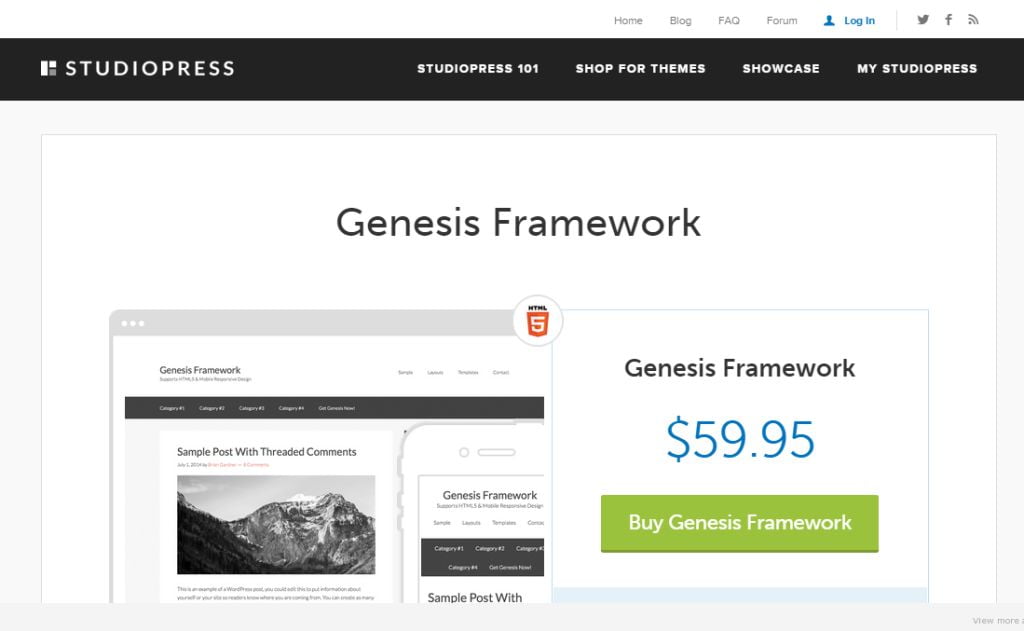
StudioPress Genesis Framework

Genesis is the very Best WordPress Framework for Beginners and Experts provided by Studiopress. Genesis is known for their well optimized code, secure, SEO friendly, future proof and highly customizable. It is designed to always be used with a child theme. it is up to you whether you use one of the many offered by StudioPress or create your own.

If you are starting a new blog or even a business site Genesis is highly recommended.

It is the only framework here that offers so much in terms of features and support for such a reasonable one-off fee. Also, Genesis has a very active developer community that you can always turn to for advice when you get stuck. There are many genesis framework wordpress themes available online.

Price: $59.95 Genesis Framework; $499.95 Pro Plus All-Theme Package.

Purchase Genesis Framework

#2. Elegant Themes
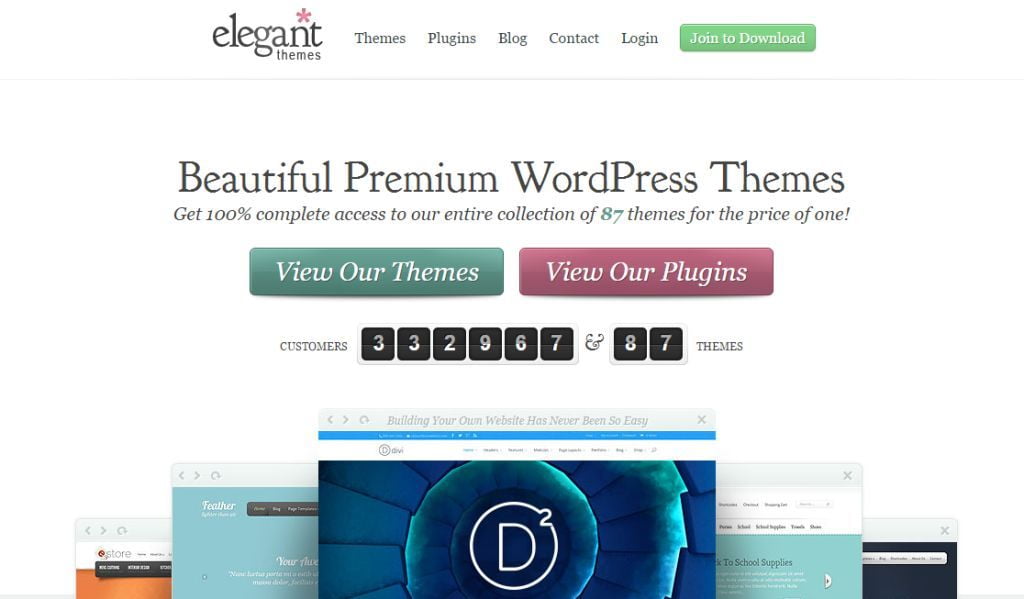
Elegant Themes
Elegant Themes

If you use WordPress, I’m sure you will already know about Elegant Themes, one of the most popular WordPress theme framework, Elegant Themes powers huge number of websites across world. For $69 a year, you get access to 85+ quality themes, a small but growing library of useful plugins and a support forum where you can expect responses in hours, not days.

Unlike some other frameworks (such as Genesis), you don’t get access to the framework as such as you get access to the themes, all of which are built on top of the same framework. So you will have to use, or at least start from, an Elegant Theme, rather than create your own from scratch. This isn’t necessarily a bad thing: it means you will have options that you can show clients out of the box and you can swap themes as much as you like.

Price: $69

Purchase Elegant Theme Framework

#3. Tesla Themes
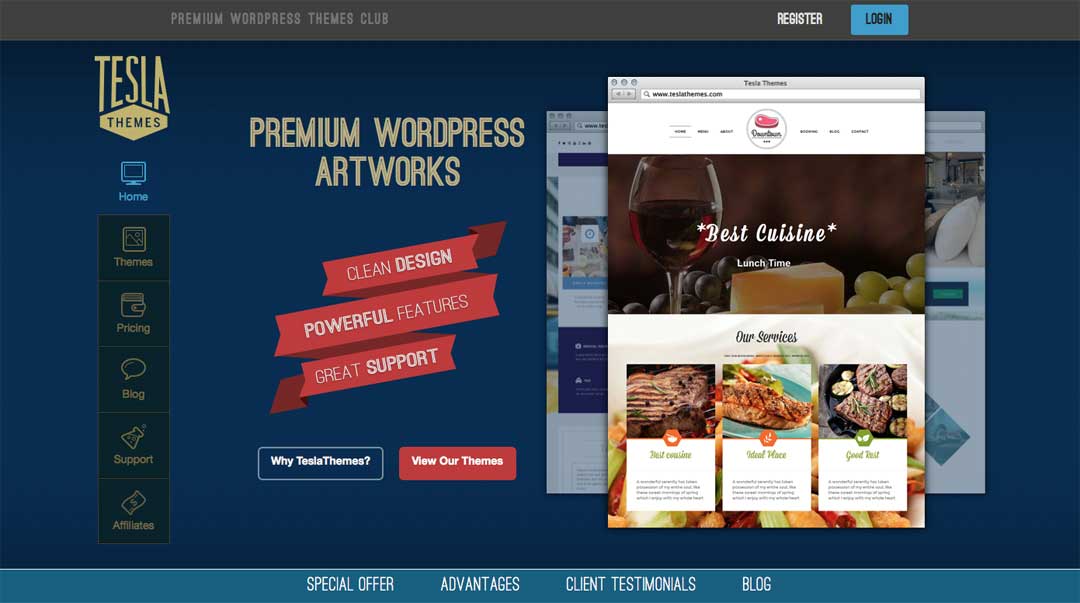
tesla themes
tesla themes

Like Elegant Themes, the WordPress themes from the TeslaThemes club are all built on a custom-made framework. By joining the club, you get access to all the existing themes and future releases.

Tesla Theme framework is part of the themes themselves, so there is only one set of files to upload, as opposed to the parent child relationship that is used by products like the Genesis Framework. As these themes are all built on top of the same framework it means that whichever theme you use from Tesla, it will have the same control panel and options for customization.

Price: $35 per theme or $45 for all themes

Purchase Tesla Theme Framework

#4. Themify
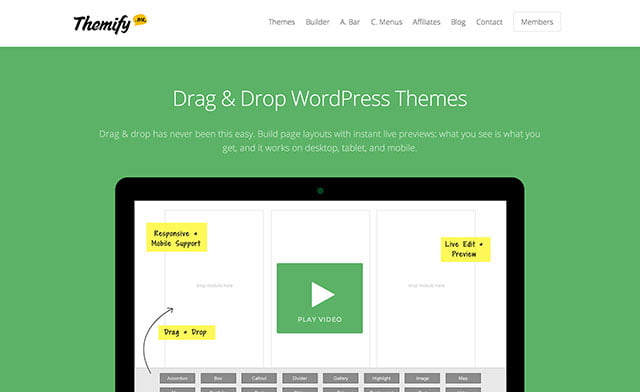
themify wordpress themes

One of favorite WordPress Theme Framework, each theme includes constantly improving Themify framework. Theme flexible framework provides complete control, allowing users to customize the theme without having to write any code or edit templates.

The Themify framework is used to power the WordPress themes. all Themify themes, includes the Themify Builder which allows you to create custom page layouts, and populate them with a range of page elements and modules, all though a drag and drop interface.

Some of the page elements or modules that can be dragged and dropped into your posts and pages include sliders, maps, galleries, tabbed areas, and a lot more. You can also add any widgets to your page layouts, including those widgets that are part of any plugins you’ve installed on your site, or custom ones you’ve created.

Price: $49

Purchase Themify Framework

Recommended: best wordpress themes 2016

#5. MySiteMyWay
MySiteMyWay
MySiteMyWay

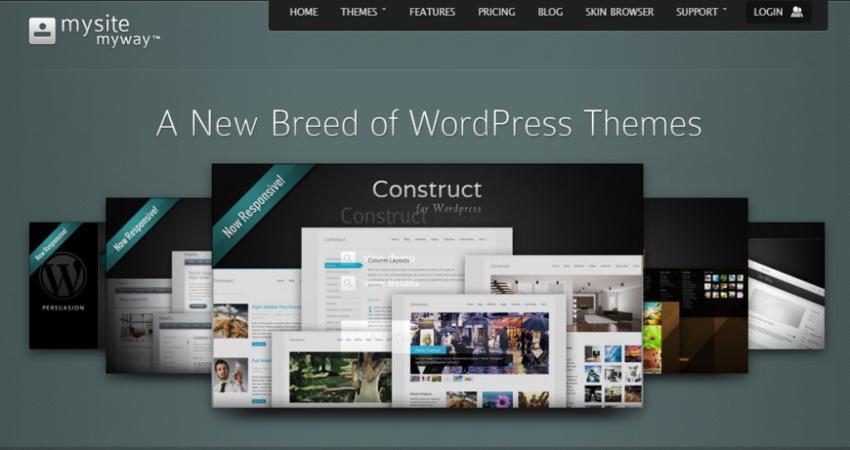
MySiteMyWay, like ElegantThemes or Tesla Themes, don’t allow you access to the base framework to create your own themes. However, with their highly customizable themes, you should be able to create pretty much whatever it is you have in mind. Every purchase comes with free updates, unlimited support, layered Photoshop files and a 30 day money back guarantee.

One attractive feature of the themes built on the MySiteMyWay framework, is the ability users have of downloading skins, which can then be applied to the appearance their site. These skins cover many of the visual elements of a website, including the fonts, colours, background images, and much more.

Price: $35 Single Theme; $149 Theme Bundle

Purchase MySiteMyWay Theme Framework

#6. WooFramework

Woothemes
Woothemes

Another most popular WordPress theme frameworks, WooFramework is around for quite sometime and most popular choice for WordPress eCommerce sites. All their themes are powered with WooFramework. This is also part of Automatic ( The Developers behind WordPress).

Price: $99 For Single and $399 for Bundle

Purchase WooThemes Framework

#7. WPZOOM Framework
wpzoom theme framework

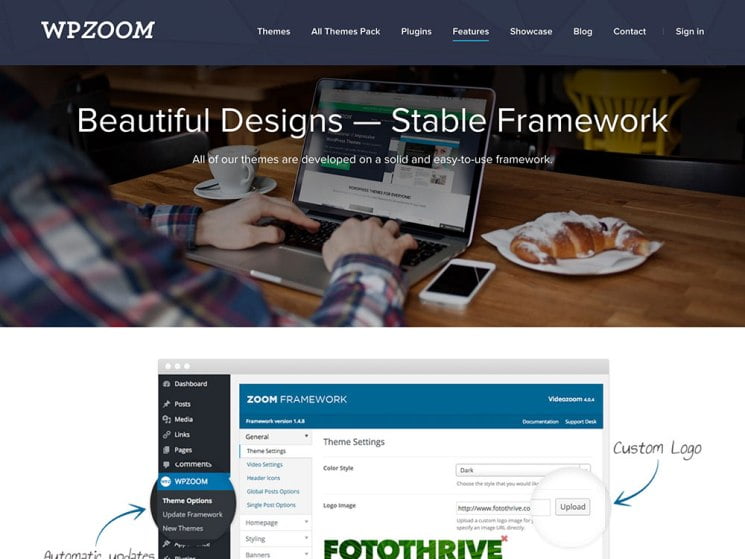
All WPZOOM themes powered with WPZOOM Framework. WPZOOM provide good looking powerful themes with their framework. WPZOOM Framework have features easy to customization, SEO Friendly,Automatic updation.

WPZoom theme company created this framework and now use it to power all of their commercially available WordPress templates. This means that if you choose one of their many impressive WordPress themes, the underlying structure, code, and functionality of the framework will be coupled with design and appearance of your chosen theme.

The WPZoom framework also includes a number of shortcodes. These can be used to insert a good selection of elements into your content. This includes as buttons, tabbed areas, info boxes, column layouts, and more.

Speaking of plugins, the WPZoom team also offers a handful of WordPress plugins that can enhance your website. This includes the impressive WPZoom Builder plugin, a drag and drop landing page creator which can be used to promote your products and services in the right way for your business.

Price: $75 for Single Licence and $125 for Extended Licence

Purchase WPZOOM Theme Framework

#8. Thesis

thesis wordpress theme framework

Whether you’re running a personal blog or a business website, Thesis framework for wordpress is a perfect choice because it enables you to do what other WordPress themes can’t. Thesis is not popular as Genesis, But Thesis is still one of the most well-known WordPress frameworks. It used to be known mainly for its focus on SEO.

Skins are great-looking designs that you can add to Thesis. You can tweak them using the visual template editor, which gives you point-and-click control.

Price: $87 Thesis Basic; $164 Thesis Basic Plus; $197 Thesis Professional

Purchase Thesis Framework

#9. FrogsTheme Options Framework

FrogsThemes option framework

All frogsthemes.com WordPress themes empowered with the Options Framework, it will be much easier to roll out enhancements and new features to all their themes. When you purchase any theme from FrogsTheme you will get lifetime upgrades for free.

Price: Theme Starting From $47 (All Themes Powered with Option Framework)

Purchase FrogsTheme Options Framework

We hope you find best one from these top wordpress theme frameworks list. This wordpress theme framework comparison guide to many beginners and experts.

9 Ultimate Reasons for Switching to Gmail: Google Mail Service

0

Gmail is free; seek based webmail administration from Google that joins the best elements of customary email with its licensed inquiry innovation. Gmail inventive components incorporate speedier recovery of email through the pursuit interface. Messages are dealt with as discussion which improves client perusing and composing background. Gmail likewise offer clients more than 5 GB of email stockpiling limit.

Gmail Features:

1. Inventive Spam Technology

Google give Gmail clients the best spam battling techniques. One methodology is the information accumulated from clients. Gmail customers can vote and report an email for spam in which Google will discover comparable email message that falls in the spam classification and piece the message before it achieves the clients.

2. Look Technology

With 5 Gigabytes of data, Gmail customers can view and recover more than 500,000 pages of messages by utilizing catchphrases and propelled seek highlights so the client can discover their email actually. Using this element make it simple for Gmail clients to find messages by mostly writing individual words and the comparing results will be shown the same route as you are utilizing Google Search.

3. Sort out answers into discussions

Gmail handle message into string or change in this way kills the need to record messages into envelopes. Email messages are gathering into change string or view so clients can without much of a stretch follow up with answers to the senders by alluding to the line. More up to date messages stack up on the top need deck of cards.

4. Worked in talk highlight

Gmail worked in visit highlights give added experience to clients which permit texting without logging on to a different application. Presently client can converse with a companion in anywhere on the planet without logging out to your email account. Gmail Chat offers likewise voice call as an additional administration.

5. Names, channels, and stars

Gmail give these convenient elements to better email administration. Most importantly Gmail.com doesn’t use an envelope for gathering email yet offer the channel management to each email by giving names to each message. An email will be gathering together through this naming in a breeze like a virtual envelope. The stars highlight then again will rank your email as indicated by significance for simple recovery.

6. Portable Access

Gmail can get to their Gmail through their cell telephone. This element is upgraded to peruse your email through web telephone program and permits connection to open including photographs and pdf documents. It let clients call individuals in Gmail Contacts List.

7. Promotions set up

Gmail give pertinent developments through its Google AdSense program. Just applicable and related data are show other than your email message. Gmail Ads does not involve your perusing space not at all like whatever other advertisements framework since it is in a content arrangement so you can disregard on the off chance that you are not intrigued.

8. Spare Time

Gmail points of interest are the Quick Contact and Keyboard Shortcuts in which it is a period saver. The Quick Contacts offers the client to discover meaningful contact in which you some assistance with scanning send the email or talk to someone else faster and pack with the console alternate ways will accelerate the entire procedure.

9. Gmail is Free

The expense is totally free.


11 Top FREE and Open Source PHP Photo Gallery Scripts

If you are looking for Free PHP Photo Gallery script to built your own Gallery site. Here we listed 11 Top Open Source PHP Photo Gallery Scripts that are available for FREE. Making a Photo Gallery website is easy with these PHP Scripts. So Use any one of these to built your free photo gallery.

Best PHP Photo Gallery Scripts

#1. Gallery

Gallery is an open source web based Photo Gallery Code for Website. Gallery gives you an intuitive way to blend photo management seamlessly into your own website whether you’re running a small personal site or a large community site.


#2. Coppermine

Coppermine is a multi-purpose fully-featured and integrated web picture gallery script written in PHP using GD or ImageMagick as image library with a MySQL backend.

Coppermine is Free Photo Gallery Script which you can download and install on your webspace.

Coppermine is so fully featured it’s not enough to fully list them. Please click the Features Tab to see some of the features. You can check their DEMO From Here.

#3. Piwigo

Piwigo is a photo gallery software for the web, built by an active community of users and developers. Extensions make Piwigo easily customizable. Icing on the cake, Piwigo is free and opensource. Piwigo is free, open, and available to anyone under the GNU/GPL license.

#4. Zenphoto

Zenphoto is a CMS for selfhosted, gallery focused websites. Zenphoto is easy to use and having all the features there when you need them. Zenphoto features support for various media formats and integrated blog and custom pages. Zenphoto is the ideal CMS for personal websites of illustrators, artists, designers, photographers, film makers and musicians.

Zenphoto features support for images, video and audio formats, and the Zenpage CMS plugin provides a fully integrated news section (blog) and custom pages to run entire websites.

Zenphoto is free, open, and available to anyone under the GNU/GPL license.

#5. iGalerie

iGalerie is an open source and free PHP application that allows you to create and manage your photo gallery as just that effectively. iGalerie is released under the GNU General Public License.

#6. Plogger

Plogger is the next generation open source photo gallery Script. A web application not bloated with superfluous features or complicated configuration settings.

Plogger is a simple yet powerful tool — everything you need to share your images with the world. Plogger is your photos integrated into your website, a fully featured photo sharing package with an attractive and easy to use administrative interface that makes managing your galleries a breeze. Plogger is released under the GNU General Public License.

#7. Pixelpost

Pixelpost is a small photoblog application that’s a no-brainer to set up and use. It’s perfect for anyone wishing to regularly post their photos on the web like a blog.

Unlike other blog engines out there, Pixelpost doesn’t try to solve all of the worlds problems. Pixelpost simply does photoblogs, and it does them well. If you are looking for a full blown CMS or text-blog, Pixelpost isn’t for you. But if you want something simple, and designed photo weblog then its great.

#8. 4images

4images is as a web based PHP and MySQL for displaying images on the Internet. 4images can be configured through an administration area. 4images supports apart from the typical image formats like JPG, GIF and PNG, other data formats. Furthermore 4images includes a template system to modify the design of the gallery. An external language file allows for easy translation into other languages. 4images is free for private and non-commercial use.

#9. phpAlbum

phpAlbum is an Open Source PHP script which allows you to create your personal Photo Album / Gallery in just a seconds. All you need is a web space with FTP access. No database is needed. After a few clicks you are ready to upload your photos, create new directories /galleries, and use your photo album.

#10. TinyWebGallery

TinyWebGallery is a free php based photo album / gallery script that is very easy to install, extremely user friendly, does not need a database (uses xml files) but still has all the features you should expect and much more!

TinyWebGallery can be configured very fast for a professional gallery like a model agency but also for the pictures from the last ski holiday! Just check out the demos and the list of all functions.

#11. Lychee

Lychee is the perfect place to store all your photos. No storage limit, no compression, no loss in data. Lychee even support and display your EXIF and IPTC Metadata. And if you want, you can make your photos public for your audience. With just one click.

10 Things That Makes a Web Hosting Good [infographic]

PERFORMANCE

#1. Uptime SHOULD be 99.99% – Did you know that 99.90% uptime is already 10 minutes of downtime per week? Most web hosting providers promise 99.99% uptime, but according toour reviews – that’s just not true. Something to be aware of.

#2. Page load speed under 500ms – Wile the page load speed largely depends on the site structure, there’s also a big role in web hosting provider. If your site loads slower than half a second, you are already losing visitors and customers.

#3. Unmetered disk space and bandwidth – You like limits? We don’t. Don’t get confused by unlimited, though.

PRICING

#4. Reasonable pricing – A good shared hosting can be found under $5/month. And that’s less than XXL Coffee at Starbucks.

#5. FREE domain is an awesome perk for beginners. Don’t miss that opportunity.

#6. Renewal fees should be listed out, otherwise you might end up paying 3x more next year.

#7. Money back guaranteed at least 30 days after purchase (who knows, perhaps you want to cancel?).

SUPPORT & ADD-ONS

#8. 24/7 customer chat – emails and ticket systems can be unreliable, you can’t get an instant support. If you are dealing with a host that has live chat – you’ve higher chances of getting your problems fixed sooner.

#9. Business name and address should be visible on the hosting provider website.

#10. It should have a cPanel (if it doesn’t have it, you might be dealing with a bad host).

10 Things That Make a Web Host Good HD 2

4 Free and Open Source PHP Wiki Scripts to Build Wikipedia Type Portal

Wikis are often used to create collaborative websites and to power community websites. The collaborative encyclopedia Wikipedia is one of the best-known wikis. Wikis sites are also popular these days.

If you are thinking to start your own wikis portal and you don’t have coding knowledge. Then use any one of these listed wiki PHP scripts to build your own wikis site easily.

Free and Open Source PHP Wiki Scripts

#1. MediaWiki

MediaWiki is a free software wiki package written in PHP, originally for use on Wikipedia. It is now used by several other projects of the non-profit Wikimedia Foundation and by many other wikis.

MediaWiki is designed to be run on a large server farm for a website that gets millions of hits per day. MediaWiki is an extremely powerful, scalable software and a feature-rich wiki implementation that uses PHP to process and display data stored in a database, such as MySQL.

MediaWiki is free software licensed under version 2 of the GNU General Public License. Because MediaWiki is licensed free of charge, there is no warranty, to the extent permitted by applicable law.

#2. DokuWiki

DokuWiki is a standard compliant, simple to use Wiki, mainly aimed at creating documentation of any kind. It is targeted at developer teams, workgroups and small companies.

It has a simple but powerful syntax which makes sure the datafiles remain readable outside the Wiki and eases the creation of structured texts. All data is stored in plain text files, no database is required.

DokuWiki has many features, and many more can be added through free plugin downloads.

The DokuWiki engine is licensed under GNU General Public License Version 2.

#3. WikkaWiki

WikkaWiki is a flexible, standards-compliant and lightweight wiki engine written in PHP, which uses MySQL to store pages. Designed for speed, extensibility, and security.

Wikkawiki is licensed under GNU General Public License.

#4. PmWiki

PmWiki is a wiki-based system for collaborative creation and maintenance of websites.

PmWiki pages look and act like normal web pages, except they have an “Edit” link that makes it easy to modify existing pages and add new pages into the website, using basic editing rules. You do not need to know or use any HTML or CSS.

Page editing can be left open to the public or restricted to small groups of authors.

PmWiki is licensed under GNU General Public License.