Coming up with a good name for a YouTube channel sounds easy until you actually sit down to choose one.
You type a few ideas, check them on YouTube, find that somebody is already using something similar, try another name, and suddenly an hour has disappeared.
A YouTube channel name doesn’t have to be complicated, but it should be easy to remember, easy to spell and suitable for the kind of content you plan to publish.
The good news is that you don’t have to come up with every idea yourself. There are several free YouTube channel name generators that can give you a starting point in just a few seconds.
I’ve collected five worth trying in 2026. Some are designed specifically for YouTube, while others are general-purpose naming tools that are useful when you want something more brandable.
What is a YouTube channel name generator?
A YouTube channel name generator is a simple online tool that creates name ideas based on information such as your niche, keywords, channel type or preferred style.
For example, if you’re starting a channel about:
- Gaming
- Technology
- Fitness
- Cooking
- Travel
- Education
- Personal finance
- AI
- Vlogging
you can enter a few relevant words and let the generator come up with different combinations.
Don’t expect the first name it gives you to be perfect. Think of these tools as brainstorming assistants. The useful part is often finding a word combination or naming style you hadn’t considered yourself.
What makes a good YouTube channel name?
Before getting into the tools, there are a few things worth keeping in mind.
A good channel name should ideally be:
Easy to remember – Someone should be able to recall it after watching one of your videos.
Easy to spell – If people can’t spell it, finding your channel again becomes harder.
Relevant to your content – A name can give viewers an immediate idea of what your channel is about.
Short enough to use everywhere – If possible, choose something that also works well as a social media username.
Flexible – Don’t make the name so specific that you’re stuck with one type of video forever.
And most importantly, check the name before you commit to it. A generator can suggest a name, but it cannot guarantee that the name is available or that nobody else is using a similar brand.
5 Best Free YouTube Channel Name Generators
1. Hootsuite YouTube Name Generator
Hootsuite YouTube Name Generator
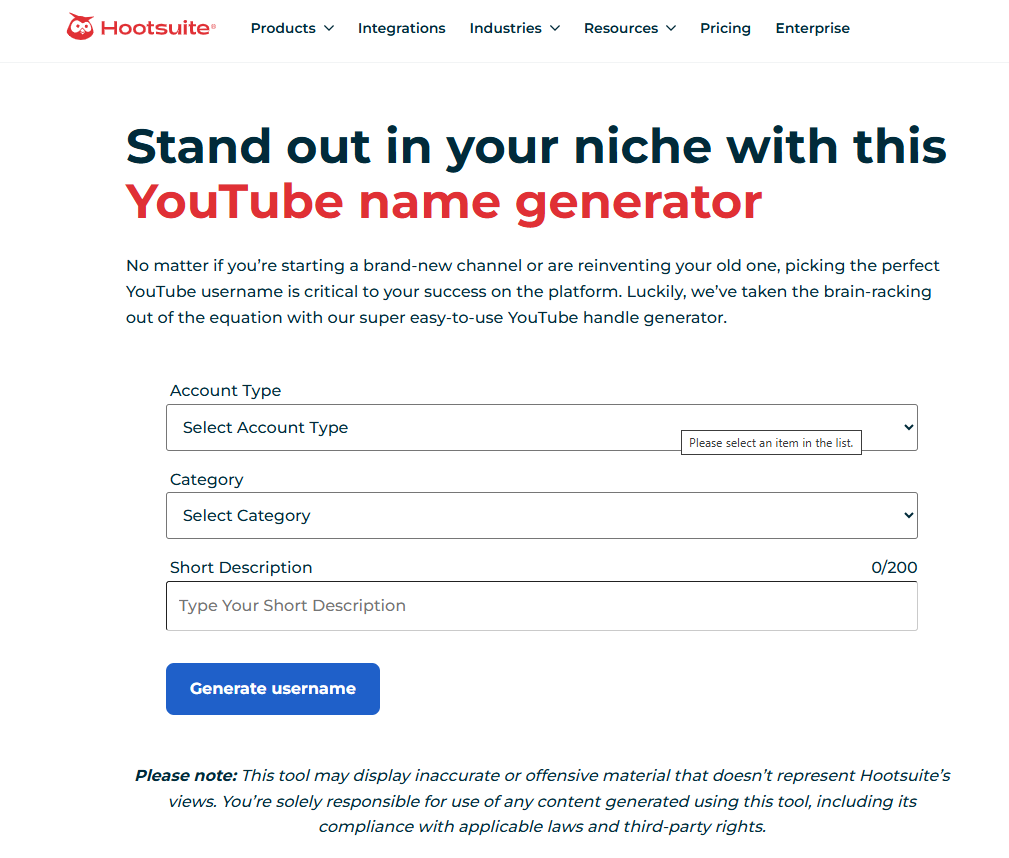
If you want a tool specifically built around YouTube usernames, Hootsuite’s generator is a good place to start.
Instead of simply throwing random words together, it asks for information such as your account type, category and a short description of your channel. It then generates username ideas based on what you provide.
I particularly like the fact that it encourages you to think about your niche before generating names. That’s useful because a name based on your actual content usually makes more sense than a completely random combination of words.
Good for:
- New YouTube creators
- Niche channels
- Business channels
- Personal brands
- Quick username ideas
My tip
Don’t enter just one keyword such as “gaming.” Give the generator some context. Something like “mobile gaming reviews for casual players” gives you a much better starting point.
2. Namelix
Namelix Business Name Generator
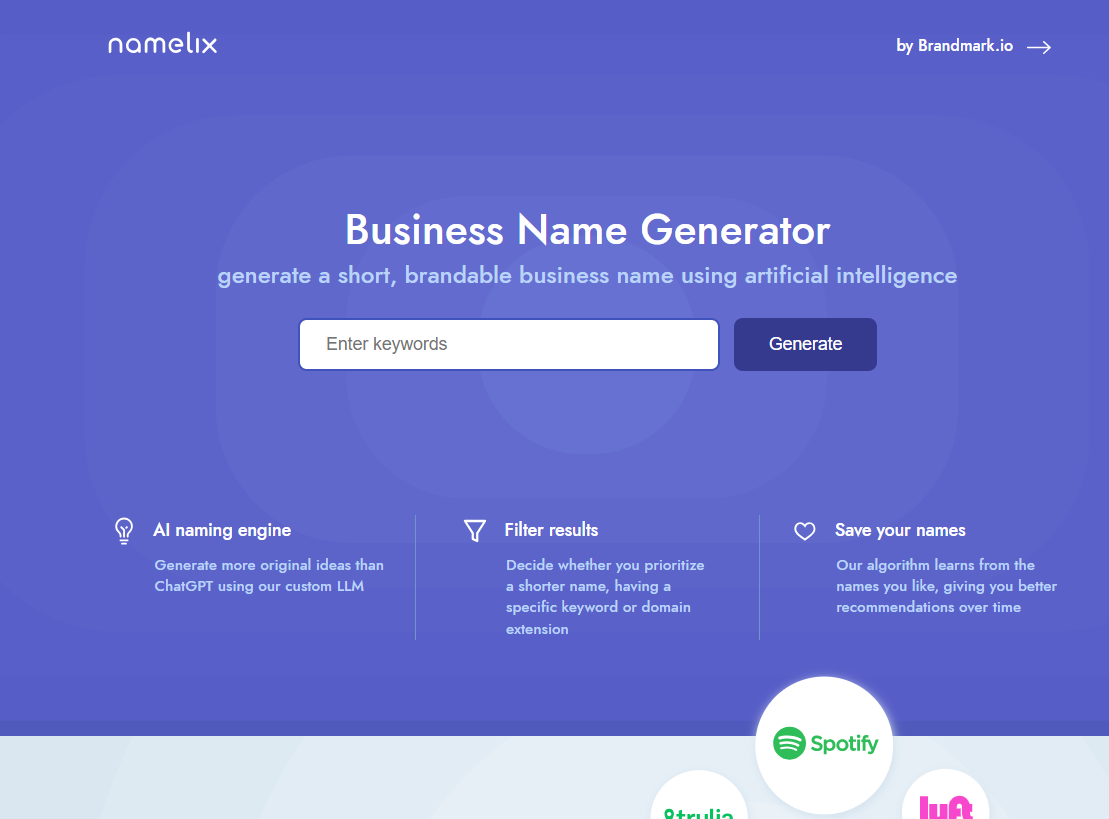
Namelix isn’t exclusively a YouTube tool, but it’s one of the better options if you want a name that could eventually become a proper brand.
You enter keywords describing your idea and Namelix generates short, brandable names. You can also adjust preferences around things such as name length and keywords. The tool can learn from the names you save and use those preferences for later suggestions.
This makes it particularly interesting for creators who don’t want a name that sounds like a typical YouTube channel.
For example, instead of something like:
Best Tech Reviews 2026
you might want a shorter brand-style name that could later be used for a website, newsletter, social media account or even a product.
Good for:
- Tech channels
- Startups
- Personal brands
- Business channels
- Creators planning to build a larger brand
My tip
If you think your YouTube channel could eventually become a website or business, try Namelix instead of limiting yourself to a purely descriptive YouTube name.
3. Shopify Business Name Generator
Shopify Business Name Generator
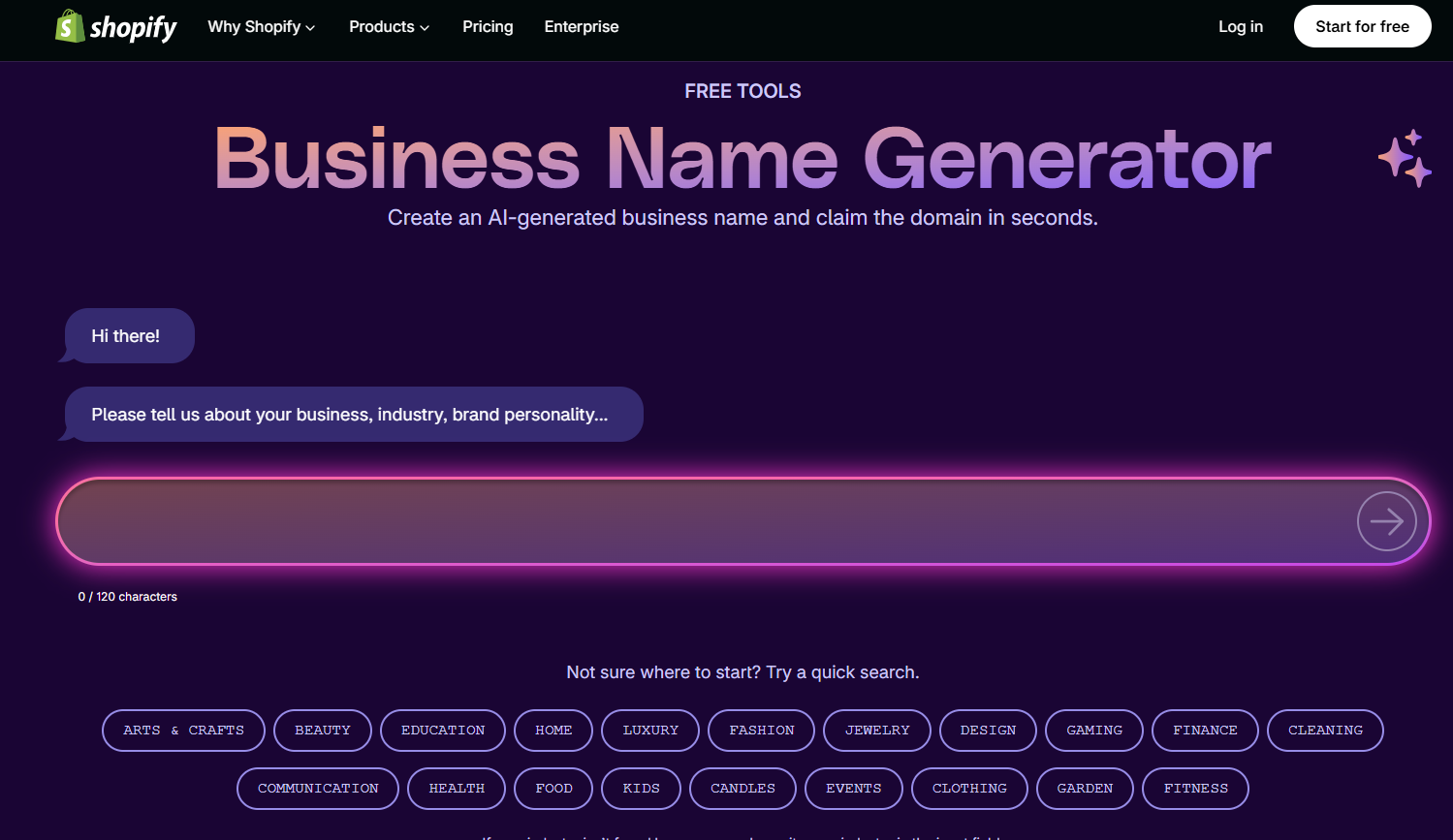
Here’s another tool that isn’t specifically made for YouTube, but it can be surprisingly useful.
Shopify’s free business name generator lets you describe your business or idea and generates potential brand names. It also focuses on domain availability as part of its naming workflow.
Why use a business name generator for YouTube?
Because sometimes you don’t actually want a “YouTube name.” You want a brand.
If you’re planning a channel around a business, product reviews, education, technology or entrepreneurship, thinking like a brand owner can produce better long-term options.
Good for:
- Business YouTube channels
- E-commerce creators
- Entrepreneur channels
- Educational brands
- Channels that will also have a website
My tip
Try entering a short description of your channel rather than just a single keyword. Experiment with different descriptions and compare the results.
4. SoNuker YouTube Channel Name Generator
SoNuker YouTube Channel Name Generator
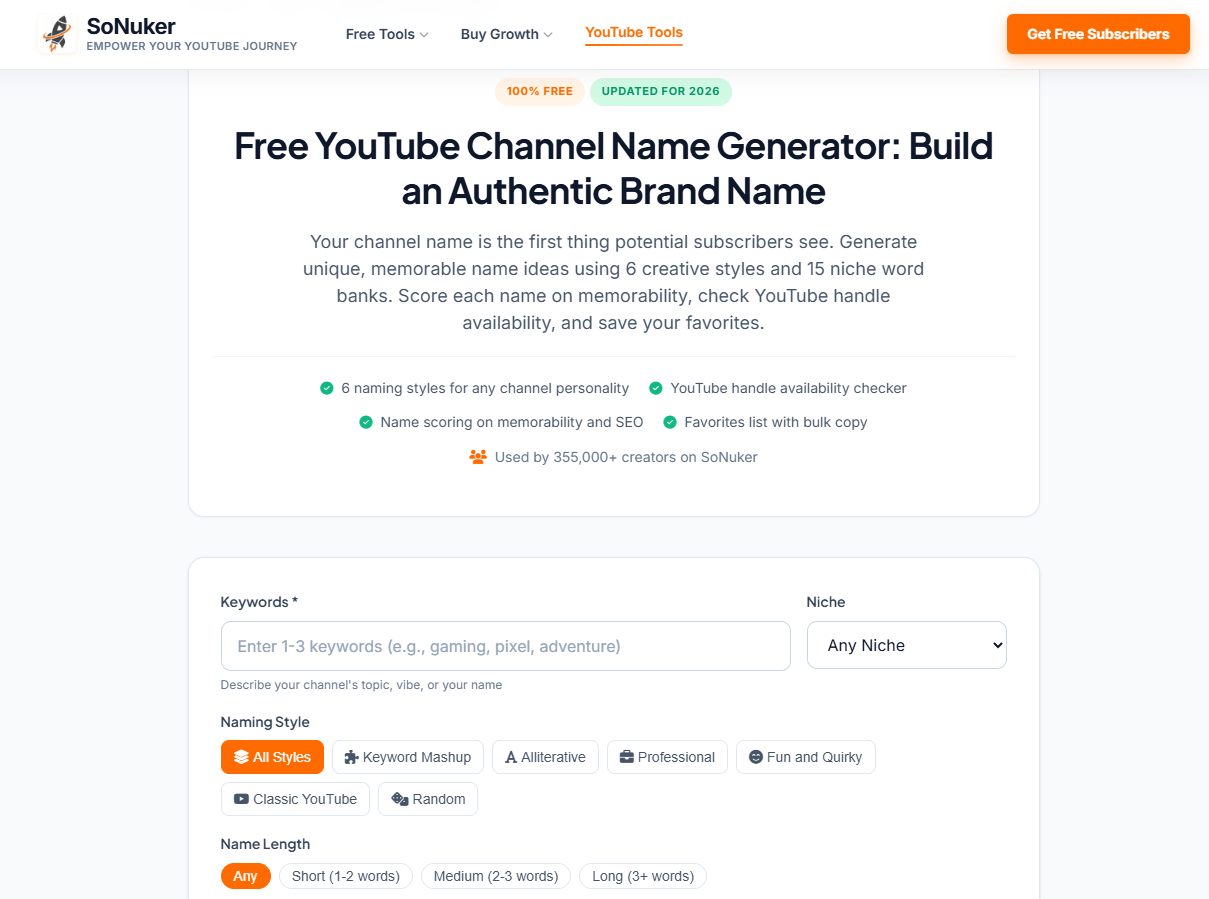
SoNuker’s tool is more focused on YouTube naming and offers several options for shaping the results.
You can enter keywords, describe your channel, select a niche and choose different naming styles. The tool also provides options around name length and offers features such as name scoring and handle checking.
The style options are useful if you’re not sure what kind of personality your channel should have.
For example, a gaming channel and a professional finance channel probably shouldn’t sound the same.
Good for:
- Gaming channels
- Vlogs
- Educational channels
- Personal brands
- Creators who want different naming styles
My tip
Generate several batches instead of choosing from the first list. Sometimes the better ideas appear after you’ve changed the naming style or keywords.
5. YouTube Name Generator by YTGrowth
YTGrowth YouTube Channel Name Generator
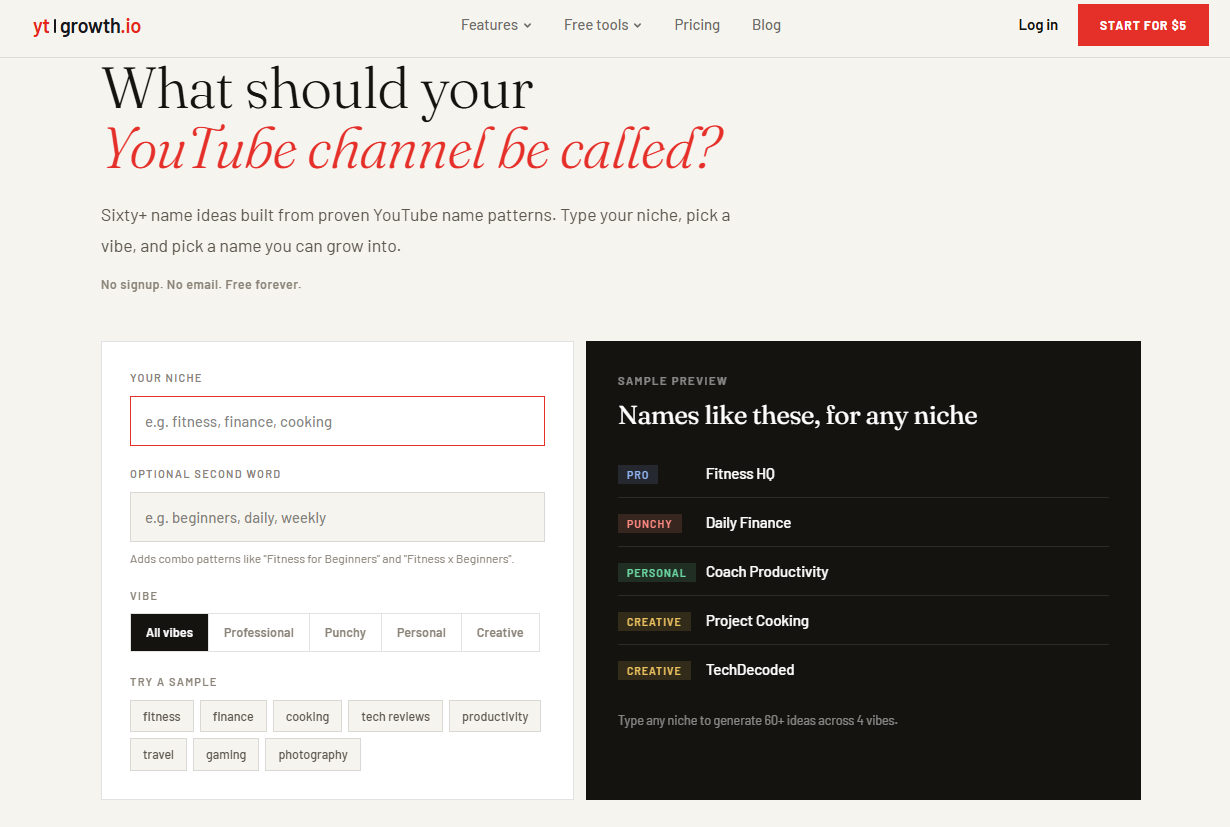
YTGrowth takes a fairly straightforward approach.
You enter your niche, optionally add another keyword and choose the kind of personality you want for the name, such as professional, punchy, personal or creative. The tool then produces a larger set of ideas.
I like this type of generator when you’re still at the brainstorming stage and don’t have a particular name in mind.
For example, you could try: photography + travel then: photography + stories, and finally: photography + daily
You may end up with completely different naming directions from the same basic idea.
Good for:
- Beginners
- Vloggers
- Niche channels
- Personal channels
- Brainstorming lots of ideas quickly
Quick Comparison
| Tool | Best For | YouTube Focus | Free |
|---|---|---|---|
| Hootsuite | YouTube usernames | High | Yes |
| Namelix | Brandable names | Low | Yes |
| Shopify | Business/brand names | Low | Yes |
| SoNuker | YouTube creators | High | Yes |
| YTGrowth | Quick brainstorming | High | Yes |
The “best” tool really depends on what you’re trying to create. If you want a straightforward YouTube username, start with a YouTube-focused generator. If you’re building a brand that may eventually exist outside YouTube, a business or brand name generator can give you more interesting directions.
How to Choose the Right Name From the Suggestions
This is probably more important than the generator you use.
You might generate 50 or even 100 names and still not find one you love. That’s normal.
Once you have a list, narrow it down using these checks.
1. Say it out loud
Does it sound natural when you say:
“Welcome back to [Channel Name].”
If it feels awkward, remove it from the list.
2. Check the spelling
Ask a friend to write the name down after hearing it.
If they immediately spell it differently, that’s a warning sign.
3. Search YouTube
Search the exact name and a few close variations.
You don’t want to build a brand around a name that’s already strongly associated with another creator.
4. Check the @handle
Your channel name and YouTube handle aren’t exactly the same thing.
YouTube handles use the @ format and act as a unique identifier for channels, so check the handle before making a final decision.
Don’t assume that a generator saying a name looks available means you can definitely claim it. Confirm the final choice through YouTube.
5. Check social media
If you plan to promote your videos on Instagram, Facebook, X or other platforms, search for the same username there.
You don’t necessarily need the exact same username everywhere, but having a consistent brand makes life easier.
6. Think five years ahead
This is the check people often forget.
If you’re starting a gaming channel today, you might be tempted to choose something extremely specific to one game.
But what happens if you start making videos about other games next year?
A slightly broader name may give you more room to grow.
Should You Put Your Keyword in Your YouTube Channel Name?
Not necessarily.
A keyword can make it obvious what your channel is about, but you don’t need to force a keyword into the name just because you’re worried about SEO.
For example, a photography channel doesn’t necessarily need a name containing the word “photography.”
A memorable brand can work just as well in the long run.
The important thing is that your channel’s content, titles, descriptions and overall branding clearly communicate what you offer.
Don’t Let the Generator Make the Final Decision
This is probably the biggest thing I’d recommend.
A name generator is there to give you ideas. It doesn’t know your audience, your personality or what you eventually want to do with the channel.
So don’t simply copy the first result that sounds okay.
Generate a bunch of options, shortlist five or ten, search them, check the handles and then choose the one that feels natural to you.
Sometimes the best channel name isn’t the cleverest one. It’s simply the one you can imagine still using several years from now.
Final Thoughts
There are plenty of free YouTube channel name generators available in 2026, and they’re useful when you’re staring at a blank screen and can’t think of anything.
My approach would be simple: use one or two generators to get ideas, shortlist the names that actually sound good, and then do your own availability and brand checks before committing.
And don’t spend days trying to find a “perfect” name. Your videos, consistency and the audience you build will ultimately give the name its meaning.
Start with a good name. Then put your energy into making a channel people want to come back to.