If you’re planning to create a website, one of the first terms you’ll come across is web hosting. Whether you’re starting a personal blog, business website, eCommerce store, or portfolio, choosing the right web hosting service is essential for your website’s performance, security, and success.
In this guide, we’ll explain what web hosting is, how it works, the different types of hosting available, and how to choose the best hosting provider.
What is Web Hosting?
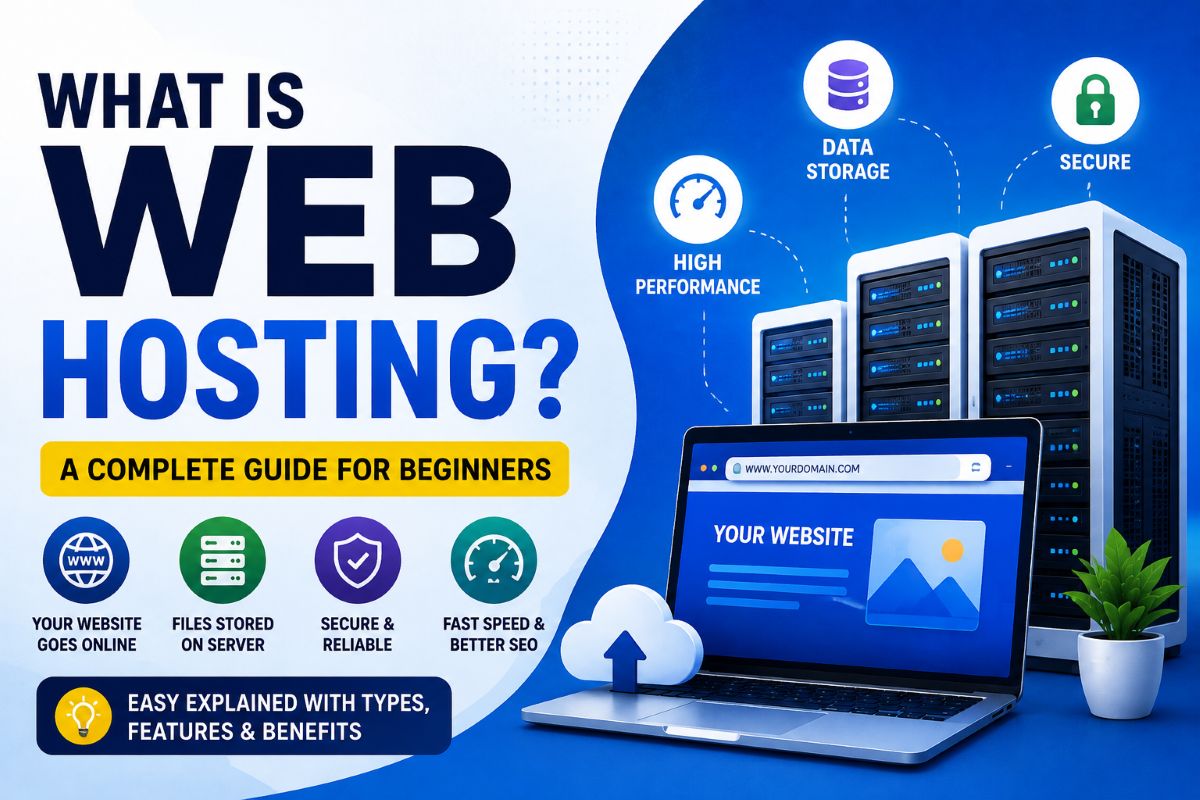
A web hosting service is a service that stores your website’s files, images, videos, databases, and other content on a powerful server connected to the internet. When someone enters your domain name (such as www.yourwebsite.com) into their browser, the hosting server delivers your website to the visitor.
Simply put, web hosting is the home where your website lives. Without hosting, your website cannot be accessed online.
For example, if you own a business website, all your product pages, blog posts, customer data, and images are stored on a hosting server, making them available to visitors 24/7 from anywhere in the world.
How Does Web Hosting Work?
The process is simple:
- You register a domain name.
- You purchase a web hosting plan.
- Upload your website files to the hosting server.
- Point your domain to the hosting server.
- Visitors enter your domain name.
- The hosting server displays your website within seconds.
Modern hosting providers also offer one-click WordPress installation, free SSL certificates, automatic backups, website migration, email hosting, and advanced security features, making it easy even for beginners.
Why Do You Need Web Hosting?
A reliable web hosting service offers much more than just storage space. It ensures that your website remains fast, secure, and available around the clock.
Some key benefits include:
- 24/7 website availability
- Faster loading speed
- Better search engine rankings (SEO)
- Improved website security
- Free SSL certificate for HTTPS
- Automatic backups
- Professional business email addresses
- Easy website management
- Scalability as your business grows
Difference Between Domain Name and Web Hosting
Many beginners confuse domain names with web hosting.
| Domain Name | Web Hosting |
|---|---|
| Your website’s address on the internet | The server where your website files are stored |
| Example: www.itechcube.com | Stores HTML, images, databases, videos, and emails |
| Purchased separately or bundled | Required to make the website accessible online |
Think of it like this:
- Domain Name = Your Home Address
- Web Hosting = Your Actual House
Types of Web Hosting Services
1. Shared Hosting
Shared hosting is the most affordable and beginner-friendly hosting option. Multiple websites share the same server resources, making it ideal for: Personal blogs, Small business websites, Portfolio websites, Startup websites.
2. VPS Hosting (Virtual Private Server)
VPS hosting provides dedicated resources within a virtual environment. It’s ideal for websites that have outgrown shared hosting. Best for: Growing businesses, Medium to high traffic websites, Developers.
3. Cloud Hosting
Cloud hosting uses multiple servers instead of a single server, ensuring high uptime and excellent scalability. Cloud Hosting is Perfect for eCommerce websites, SaaS applications, Business websites, High-traffic blogs.
4. Dedicated Server Hosting
A dedicated server gives your website exclusive access to an entire server. Suitable for: Large enterprises, High-traffic portals, Corporate websites, Enterprise applications. It offers maximum performance, security, and customization but comes at a higher cost.
5. Managed WordPress Hosting
Managed WordPress hosting is specifically optimized for WordPress websites. Features include: Automatic updates, Enhanced security, Daily backups, Built-in caching, Expert WordPress support. It’s an excellent choice for bloggers, agencies, and businesses using WordPress.
6. Reseller Hosting
Reseller hosting allows individuals or agencies to sell hosting services under their own brand. It is suitable for: Web designers, Digital marketing agencies, Freelancers, Hosting businesses.
Essential Features to Look for in a Web Hosting Provider
When choosing a hosting provider, consider these important features:
- NVMe SSD storage for faster performance
- 99.9% uptime guarantee
- Free SSL certificate
- Daily backups
- Malware protection
- DDoS protection
- LiteSpeed or NGINX servers
- Free CDN integration
- Automatic WordPress installation
- One-click staging
- 24/7 customer support
- Easy-to-use control panel
- Website migration assistance
For More Details on How to Choose the Best Web Hosting Provider
How Web Hosting Affects SEO
Web hosting plays a significant role in your website’s search engine rankings. A good hosting provider helps by offering:
- Faster page loading speed
- Better uptime
- Secure HTTPS connection
- Reliable server response time
- Improved Core Web Vitals
- Better user experience
Google favors websites that load quickly and remain consistently available.
Common Mistakes to Avoid
Many beginners make these mistakes when purchasing hosting:
- Choosing the cheapest plan without checking features
- Ignoring renewal prices
- Buying hosting without backups
- Not checking server location
- Choosing limited customer support
- Ignoring uptime guarantees
- Not considering future scalability
Best Web Hosting Providers
After evaluating speed, reliability, customer support, security, and value for money, these hosting providers are among the best choices for different types of websites.
1. Hostinger – Best Overall
Best for beginners, bloggers, freelancers, and small businesses. Get 20% Additional Discount of Discounted Price– Click HERE
Highlights:
- Affordable pricing
- NVMe SSD storage
- LiteSpeed servers
- Free SSL certificate
- Free domain on eligible plans
- AI-powered website builder
- Excellent performance
2. SiteGround – Best Premium Hosting
Ideal for business websites and WordPress users who want premium performance and support.
Highlights:
- Google Cloud infrastructure
- Daily backups
- Managed WordPress features
- Outstanding customer support
- Advanced security
3. A2Hosting– Best Managed Hosting
Perfect for growing websites, WooCommerce stores, and agencies.
Highlights:
- Managed hosting
- High scalability
- Excellent performance
- Pay-as-you-grow model
4. Bluehost – Best for New WordPress Websites
A beginner-friendly option with easy WordPress setup and reliable hosting.
Frequently Asked Questions
Is web hosting necessary?
Yes. Without web hosting, your website cannot be accessed on the internet.
Can I create a website without hosting?
You can build a website locally on your computer, but it won’t be visible to the public unless it’s hosted on a web server.
Which hosting is best for beginners?
Shared hosting is the most affordable and beginner-friendly option. As your website grows, you can upgrade to VPS or cloud hosting.
Does hosting affect website speed?
Absolutely. Faster servers, NVMe SSD storage, optimized caching, and modern web technologies significantly improve loading speed and user experience.
Is free hosting a good choice?
Free hosting can be suitable for learning or testing, but it usually comes with limited resources, advertisements, lower performance, and fewer security features. For professional websites, a paid hosting plan is recommended.
Conclusion
Web hosting is the backbone of every successful website. Choosing the right hosting provider ensures your site remains fast, secure, and available to visitors around the clock. Before making a decision, compare features such as performance, uptime, security, customer support, scalability, and pricing rather than focusing solely on cost.
Whether you’re launching a personal blog, business website, or online store, investing in quality web hosting will provide a strong foundation for long-term growth and better search engine visibility.