


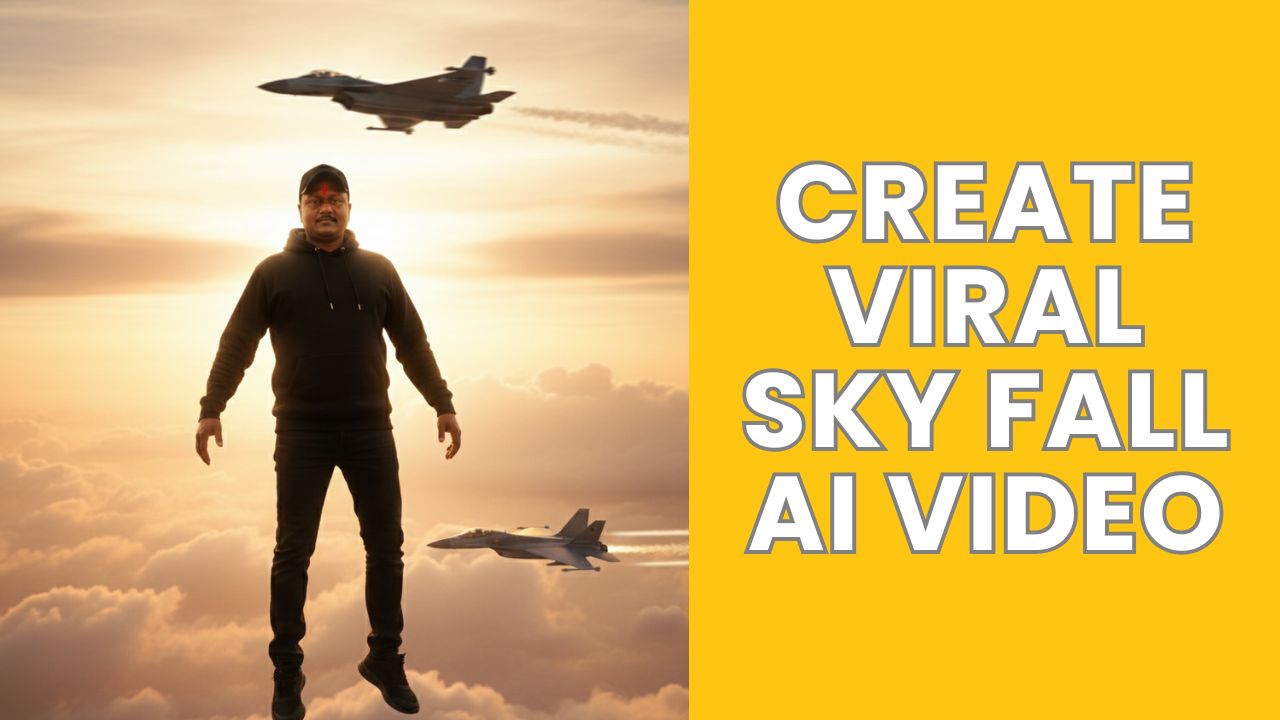
Hello friends, an AI video is currently going viral where it looks like we’re floating in the air in the sky and coming down, giving the impression that we’re in heaven. And this type of video is becoming very popular. It’s been created using an AI tool, and the process is quite simple. Many people messaged me asking for a tutorial on this AI video editing. So today, in this article, I’ll give you a tutorial on this video editing technique, which will allow you to create your own similar video. We’ll create it easily in just 3 steps, and the entire process will be completely free. I’ll explain each step to you one by one. Once you understand them, you can follow the steps and create your own viral AI video.
How to Create Sky Fall AI Video:
1. First open Google Gemini.
2. Now add your face image and add bellow prompts.
——– 1st prompt for 1 image
A cinematic surreal photo of a provided image face floating in the sky, full body visible, wearing a black hoodie, black pants, sneakers and a cap. The person is slightly tilted as if gently falling or levitating in mid-air. Minimal composition with vast open sky. Soft golden sunset clouds background, warm pastel yellow and orange tones. Dreamy, calm, aesthetic mood. High contrast silhouette style, realistic human proportions, ultra-realistic, cinematic lighting, depth of field, 4K quality, vertical frame, modern Instagram aesthetic.
———2nd prompt for another image generation
A cinematic surreal photo of a provided image face floating in the sky as if gravity has stopped, full body visible, wearing a black hoodie, black pants, sneakers and a cap, arms and legs relaxed, dramatic slow-motion pose. Two modern fighter jets flying nearby in the background, one above and one below, creating a powerful action scene. Golden sunset sky with warm orange and yellow tones, soft clouds, strong backlighting, realistic shadows, ultra-realistic, high detail, cinematic lighting, shallow depth of field, 8K quality, photorealistic, dramatic composition, movie still, epic atmosphere. 100% face match.

3. Now download the generated image.
4. Now go to the Google Flow and Login using your Gmail account.
5. Then, click the “Create Project” option.
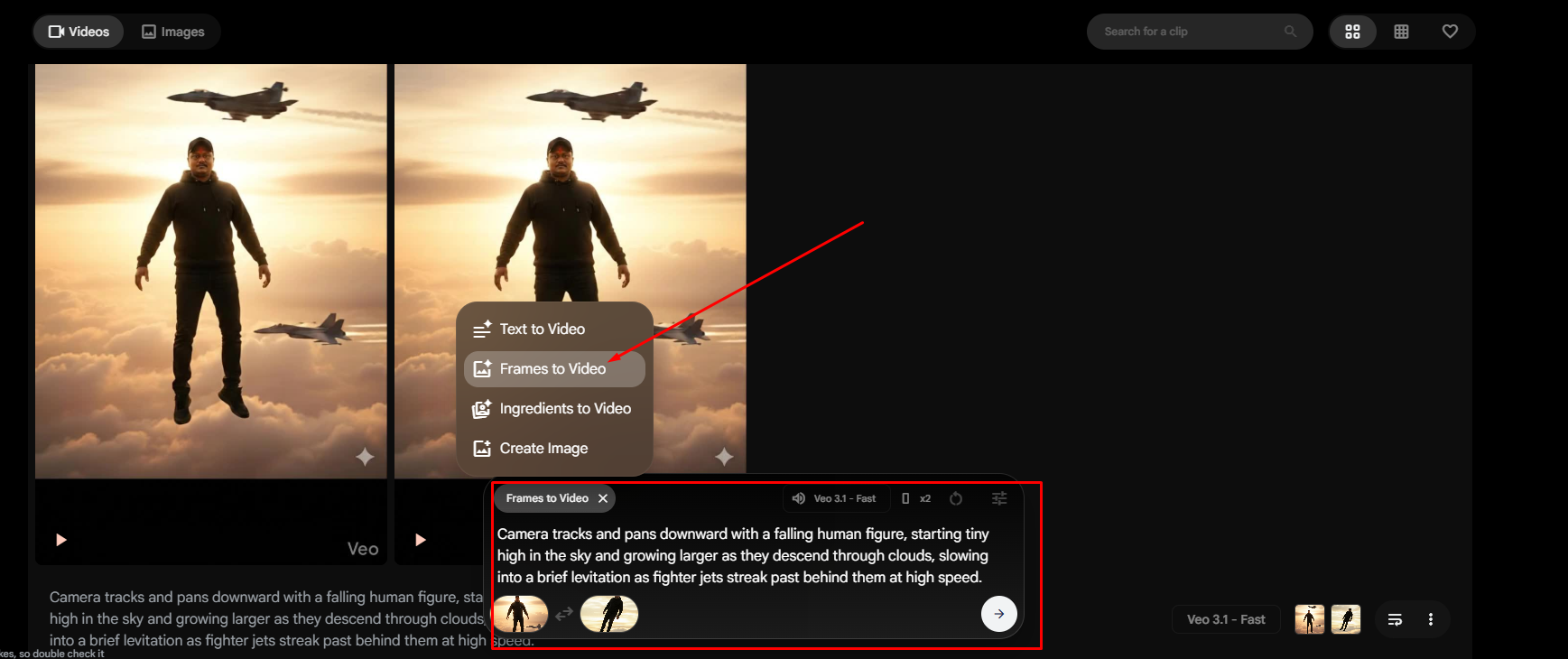
6. Choose Frames to Video and Then, click the “+” icon to add an images.
7. Now add bellow prompt and click on Next to process video.
Camera tracks and pans downward with a falling human figure, starting tiny high in the sky and growing larger as they descend through clouds, slowing into a brief levitation as fighter jets streak past behind them at high speed.
After video generate, Download the videos and edit, merge these from any video editor.