


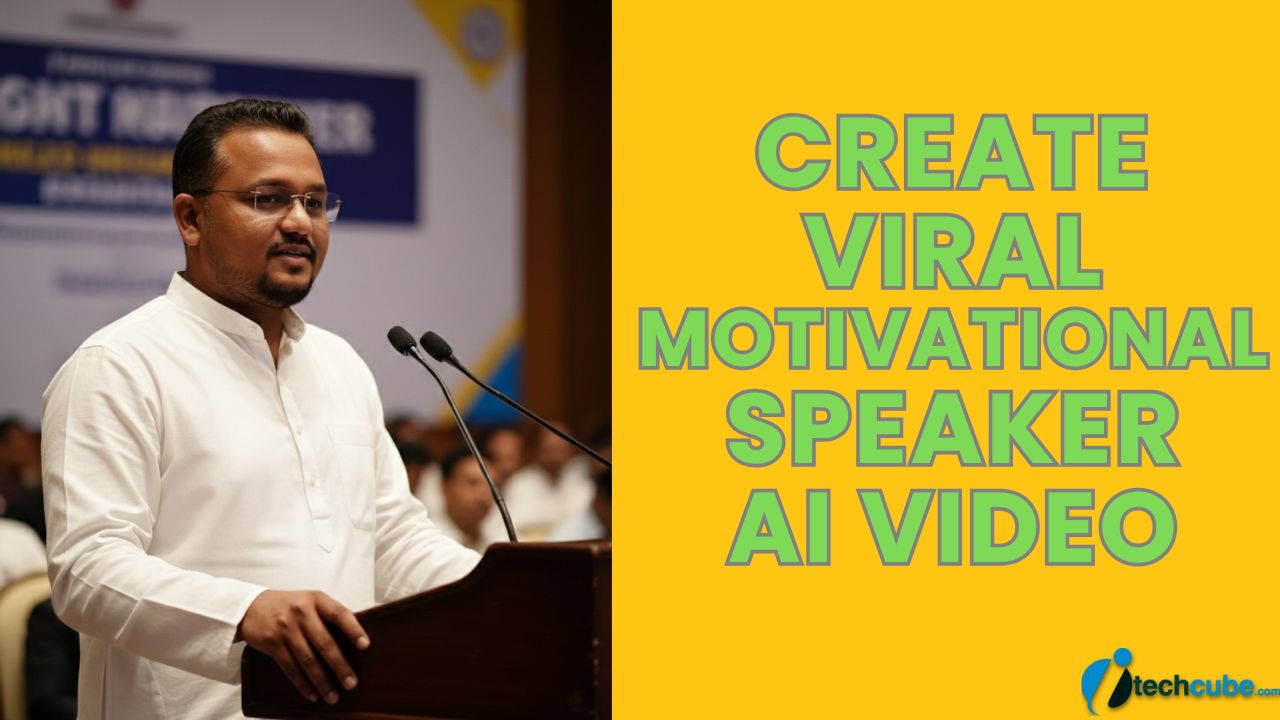
Create your own viral motivational speaker video using AI with cinematic voice energy powerful words and social media ready visuals perfect for reels shorts and creators who want growth inspiration and engagement fast.
How to Create Viral Motivational Speaker AI Video:
1. First open Google Gemini.
2. Now add your face image and add bellow prompts to Generate Image.
A realistic professional photograph of a me as a motivational speaker delivering a speech at a formal indoor event.
I am standing behind a wooden podium with a microphone, speaking with calm confidence and clarity.
I am wearing a white solid kurta and minimal accessories.
he is wearing subtle eyeglasses.
The background shows a soft-focus seminar or conference hall with a motivational banner behind him (text not readable, blurred).
Lighting is warm and professional, similar to auditorium stage lighting.
The composition is mid-shot to waist-up, slightly angled from the side, cinematic depth of field.
Ultra-realistic, DSLR photography, sharp focus, natural skin tones, professional corporate event vibe, 4K quality, shallow depth of field, no distortion, no cartoon, no illustration.
3. Now download the generated image.
4. Now go to the Google Flow and Login using your Gmail account.
5. Then, click the “Create Project” option.
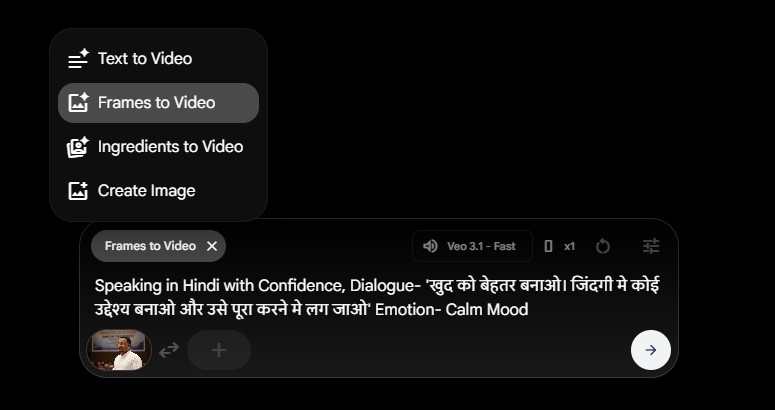
6. Choose Frames to Video and Then, click the “+” icon to add an images.
7. Now add Bellow Prompt to create video (Change Dialogue to your Own) and click on Next to process video.
Speaking in Hindi with Confidence, Dialogue- ‘खुद को बेहतर बनाओ। जिंदगी मे कोई उद्देश्य बनाओ और उसे पूरा करने मे लग जाओ’ Emotion- Calm Mood
After video generate, Download the videos and edit, merge these from any video editor.