



Hello guys, Today here in this tutorial, we are going to create viral aura farm images and video using AI. We have provided step by step guide and Aura Farm AI Prompt for gemini AI.
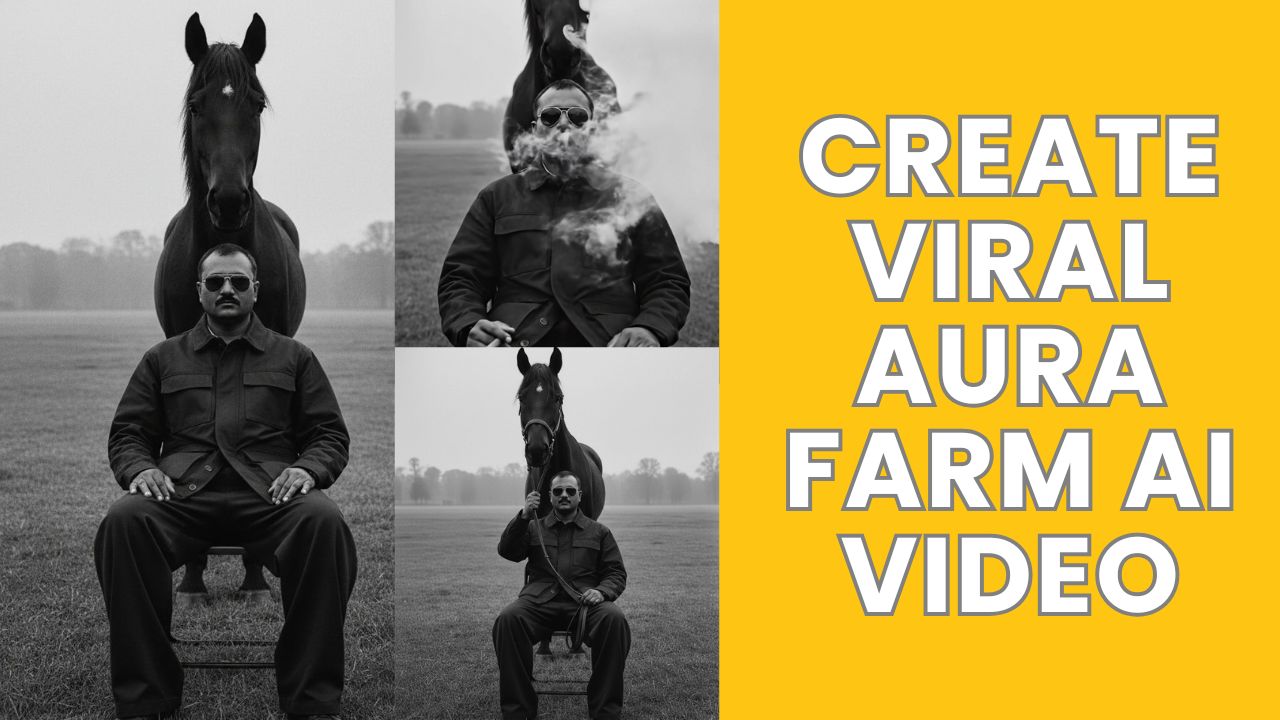
How to Create Viral Aura Farm AI Video:
1. First open Google Gemini.
2. Now add your face image and add bellow prompts.
“A cinematic, high-contrast black and white photograph of provided man image face with sunglasses, wearing a dark utility jacket and wide-legged trousers, sitting on a simple chair in an open field. Standing directly behind him is a majestic dark horse, its head positioned right above the man’s head. The background is a misty, desaturated landscape with blurred trees in the distance. The lighting is moody and overcast, creating a sharp, editorial fashion aesthetic. 35mm film grain, sharp focus on the subjects, minimalist composition.”
3. Now download the generated image.
4. Now go to the Google Flow and Login using your Gmail account.
5. Then, click the “Create Project” option.
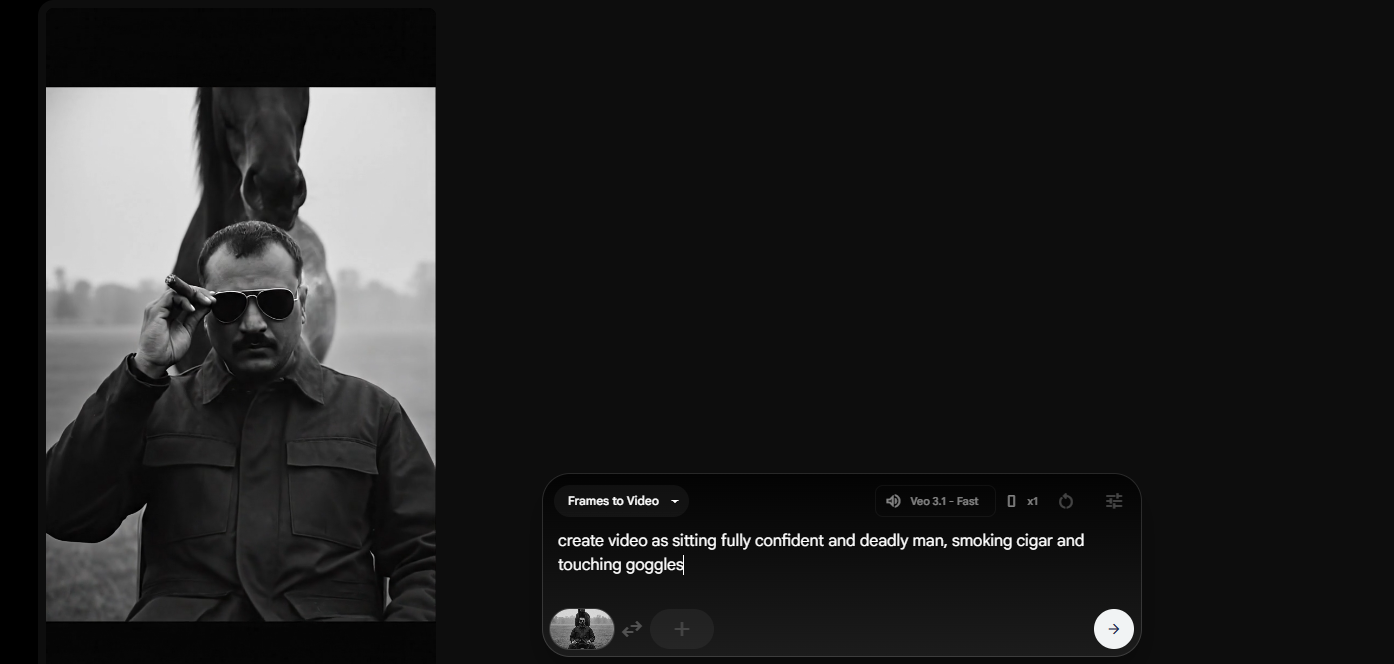
6. Choose Frames to Video and Then, click the “+” icon to add an images.
7. Now add things which you want to show on video. and click on Next to process video.
create video as sitting fully confident and deadly man, smoking cigar and touching goggles
After video generate, Download the videos and edit, merge these from any video editor.